> For the complete documentation index, see [llms.txt](https://scaloom.gitbook.io/scaloom/llms.txt). Markdown versions of documentation pages are available by appending `.md` to page URLs; this page is available as [Markdown](https://scaloom.gitbook.io/scaloom/integrations/how-to-use-scaloom-with-instantly.ai.md).
# How to use Scaloom with Instantly.ai
1.) Export your Scaloom Analysed contacts as CSV from the "Export" tab of your Scaloom campaign
2.) Open [Instantly.ai](http://instantly.ai/) and navigate to the Campaign tab
3.) Navigate to the leads tab and upload your Scaloom lead list
4.) Map the fields accordingly
5.) Navigate to the "thumbnailEmbed" field and select, "Custom Variable".
6.) Select, "Upload All"
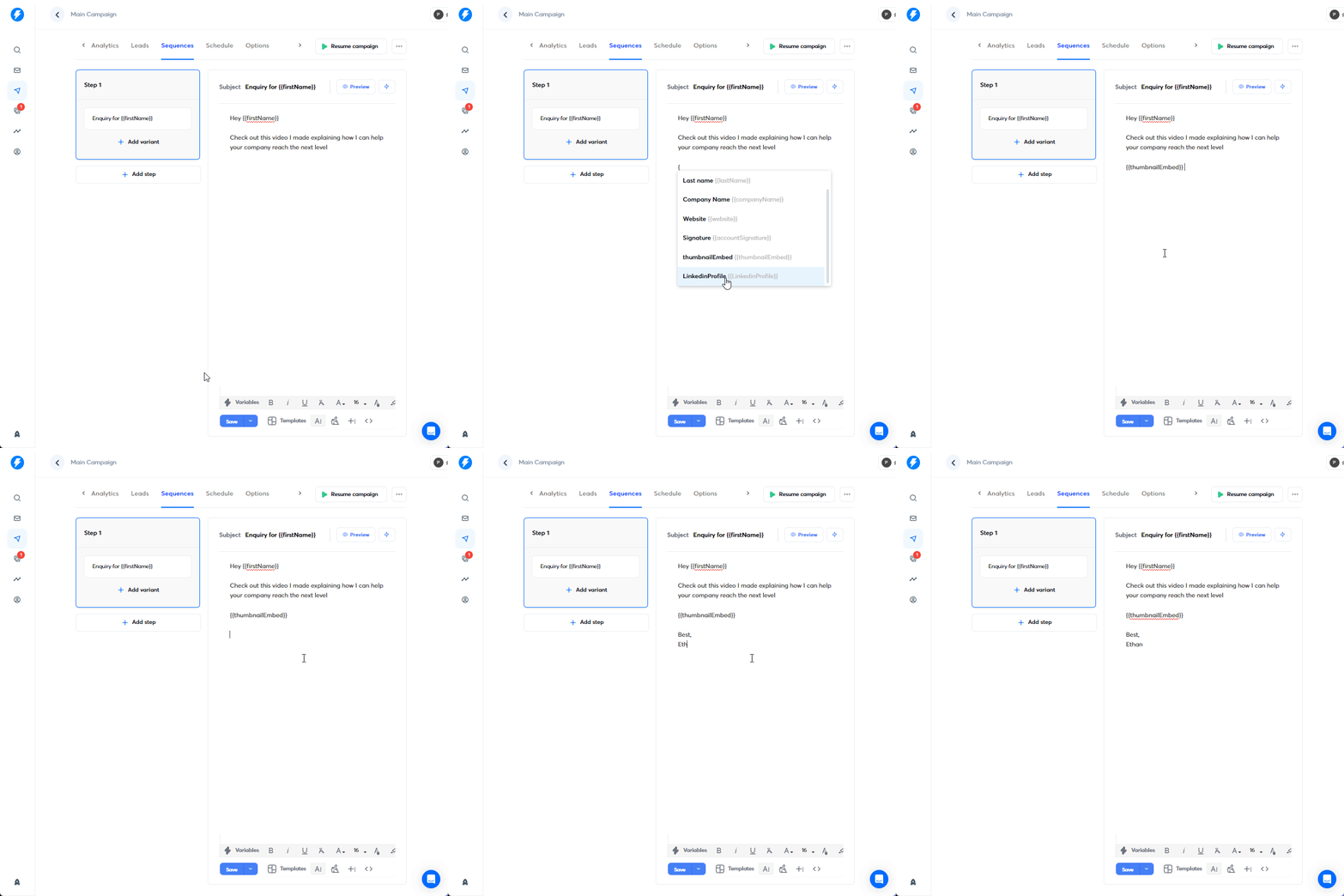
7.) Include your Scaloom analyses, by implementing the thumbnailEmbed variable.
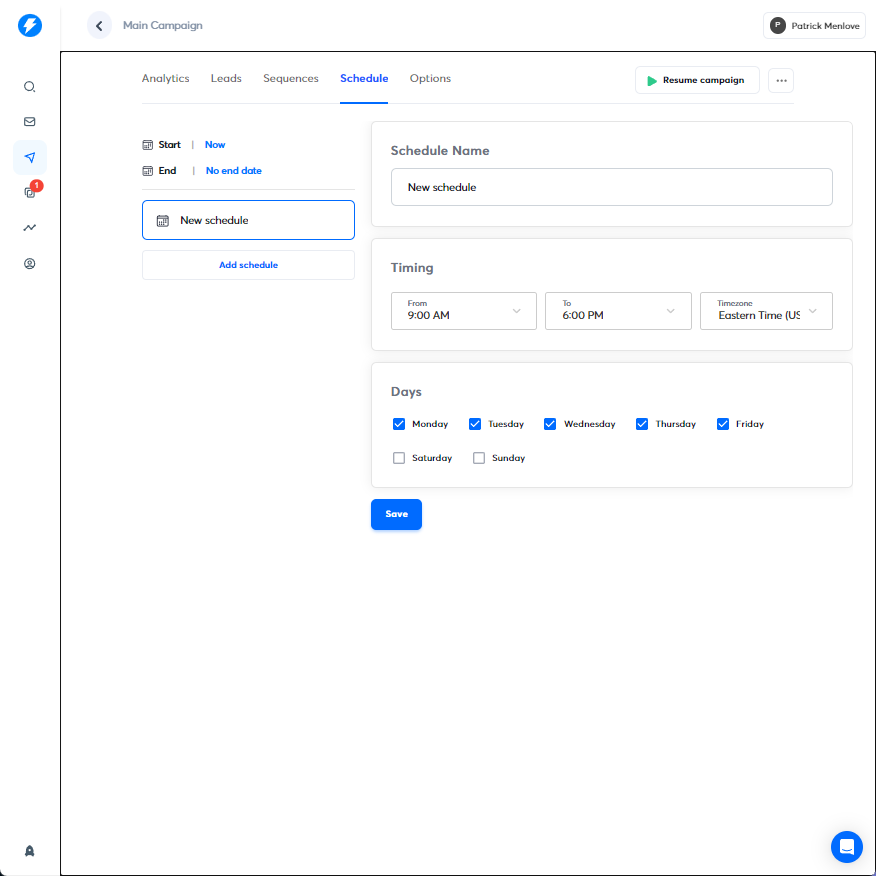
8.) Hit "Save" and select "Schedule". Implement your sending schedule.
9.) Configure the options to your specification and then launch your campaign!